1
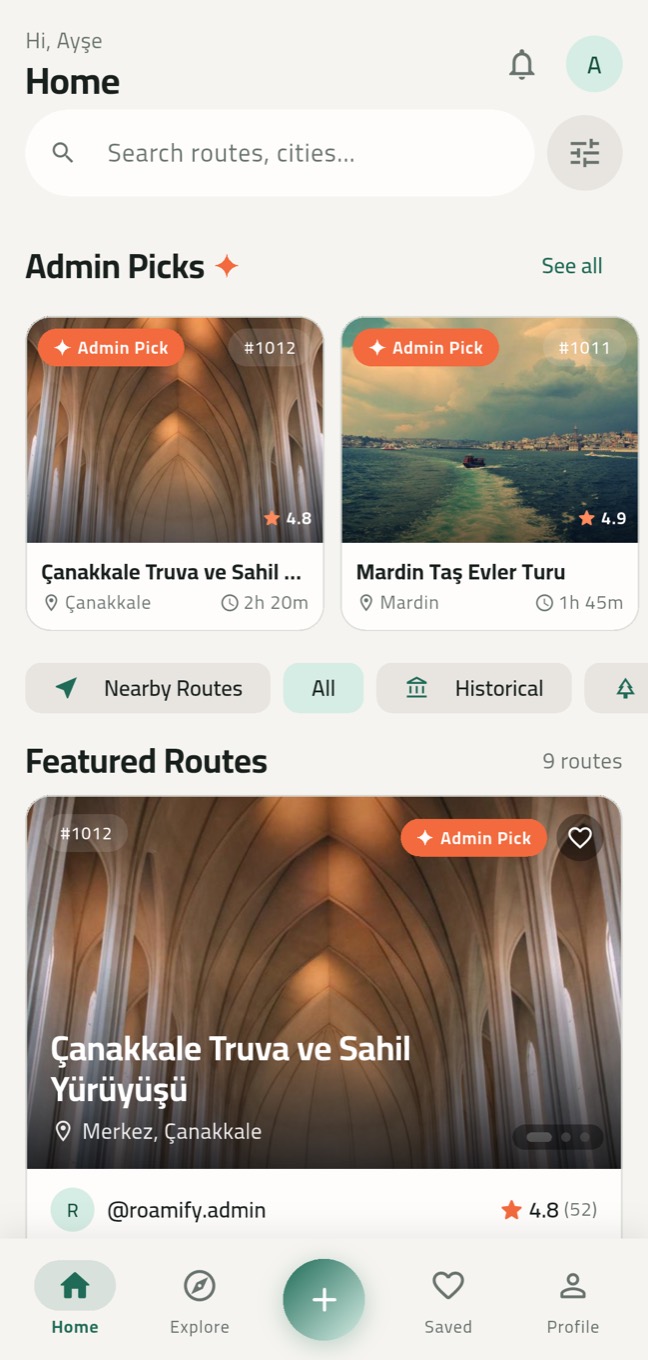
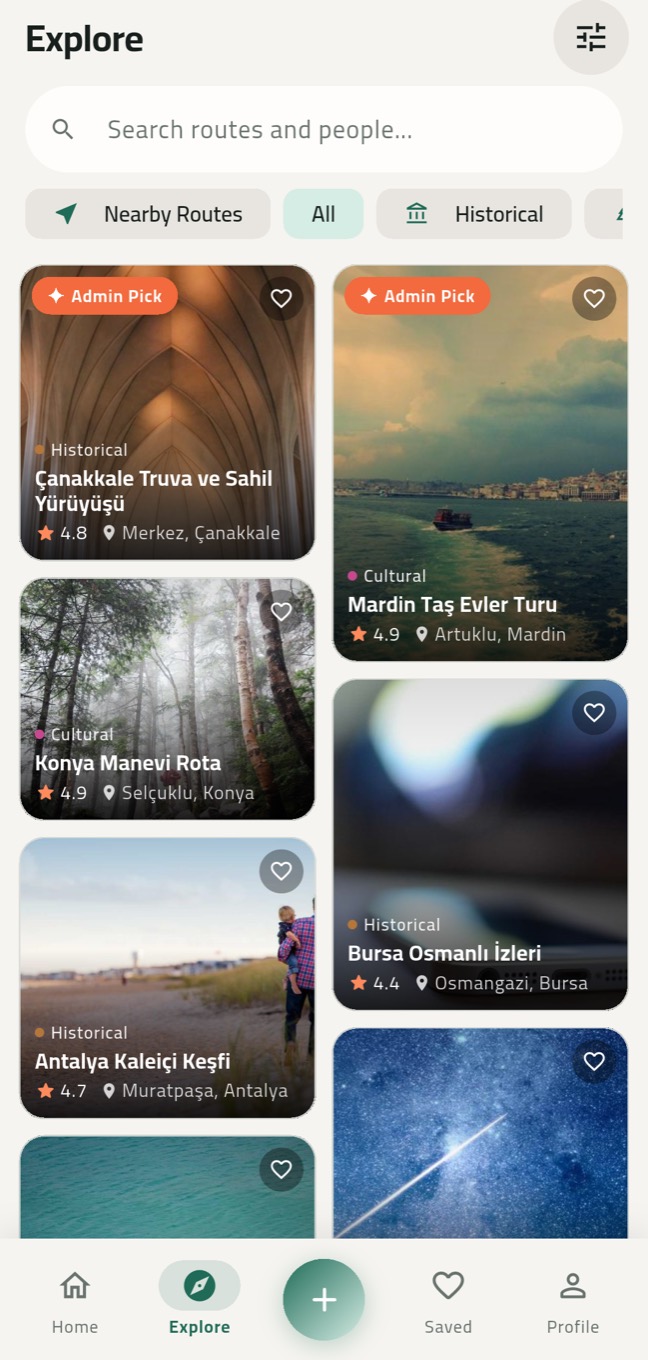
Discover
Search by city, category, tag or route number. Each route fits on one card: sliding photos, rating, duration and place.
- Historical, nature, food, nightlife and four more categories
- Country, city and district filters; newest, top rated, trending
- Admin Picks: routes hand-picked by our team
2
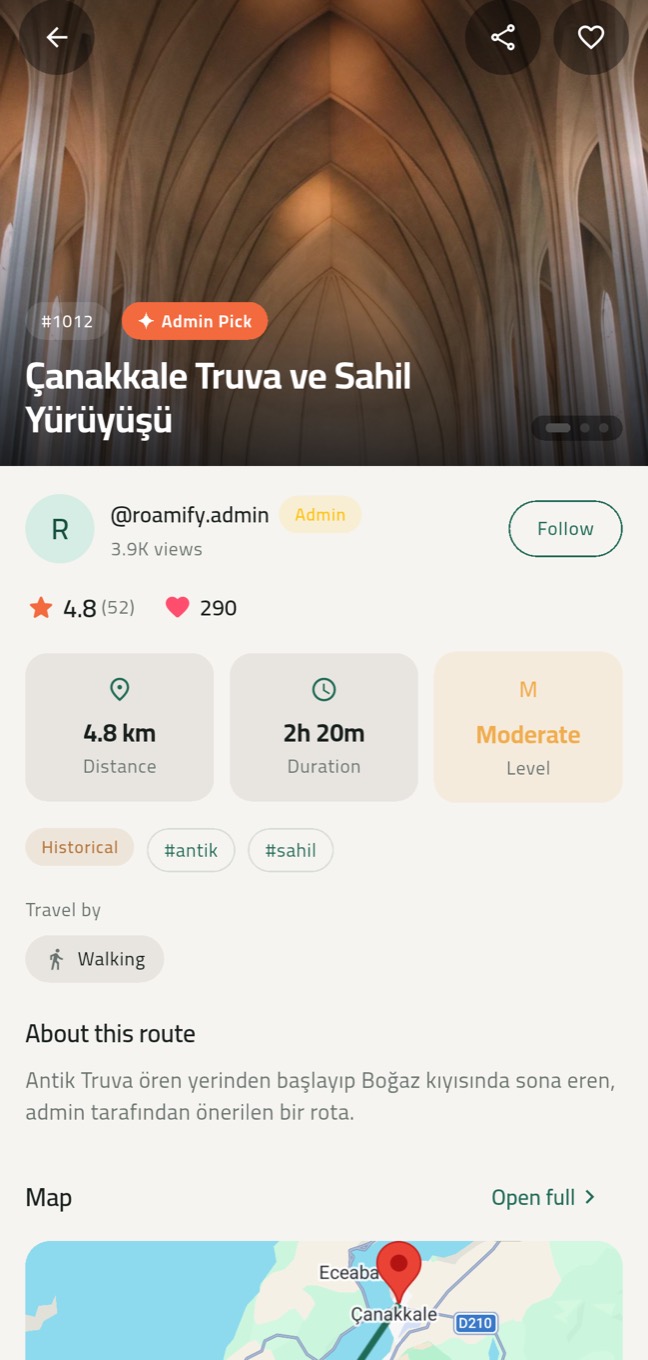
Check it before you go
See the distance, walking and driving time, difficulty, getting-around notes and real ratings on one screen.
- A swipeable photo gallery
- The creator's profile, ratings and comments
- Save to favorites or share with a friend in one tap
3
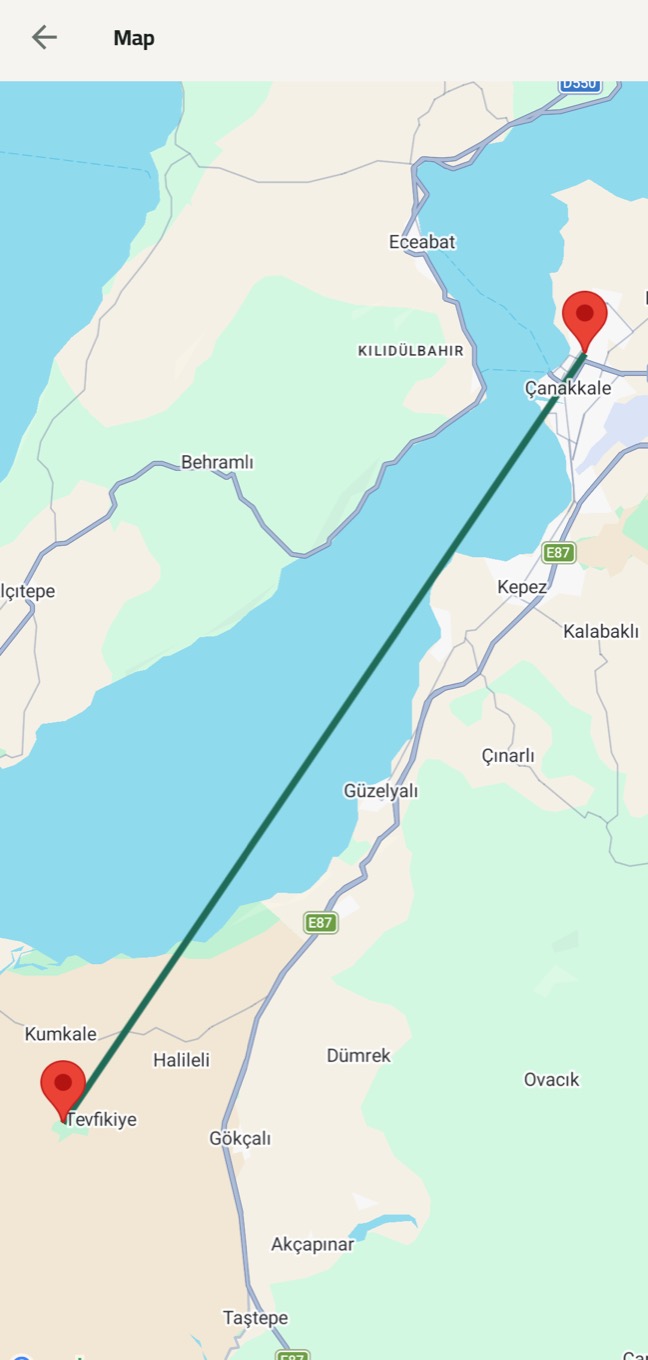
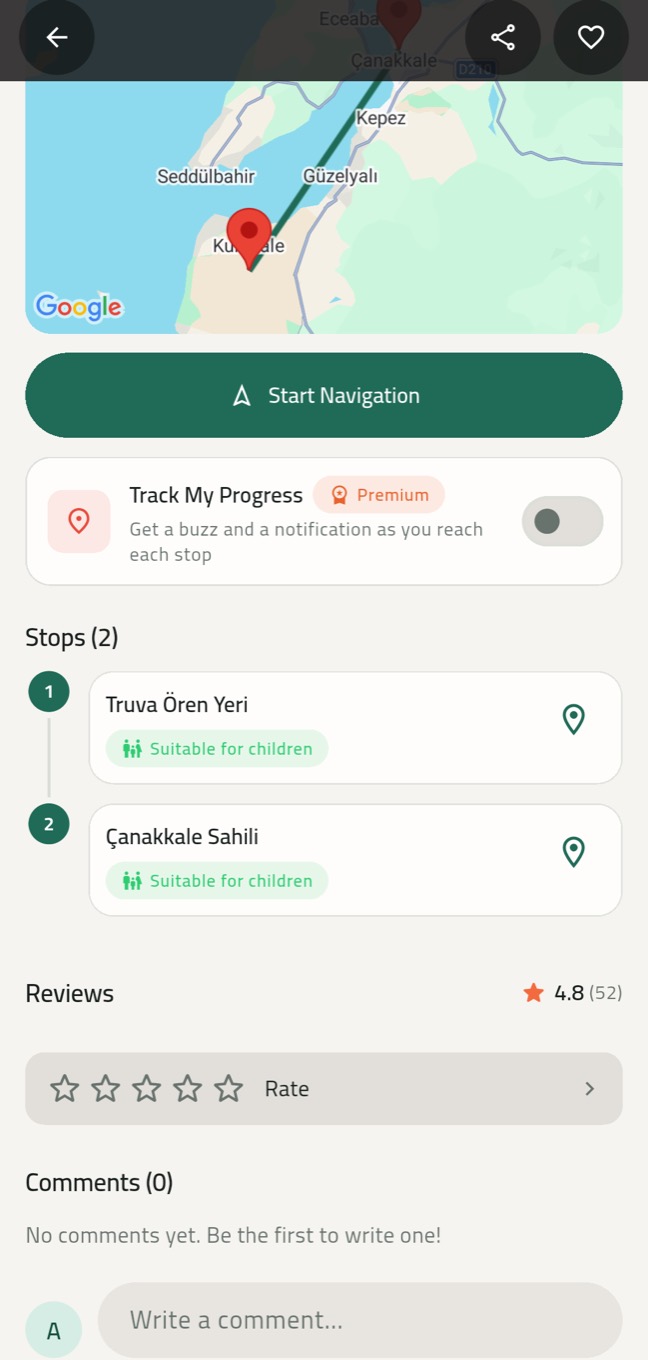
See it on the map, then go
Every stop on the map, in order and connected. Start navigation when you are ready; on Huawei devices without Google services the map runs on OpenStreetMap.
4
Go stop by stop
Every stop's photos, description and location in your pocket. With Track My Progress on, your phone buzzes and notifies you as you reach a stop — even with the app in the background.
- Child-friendly stop labels
- Open any stop on the map in one tap
5
Share your own route
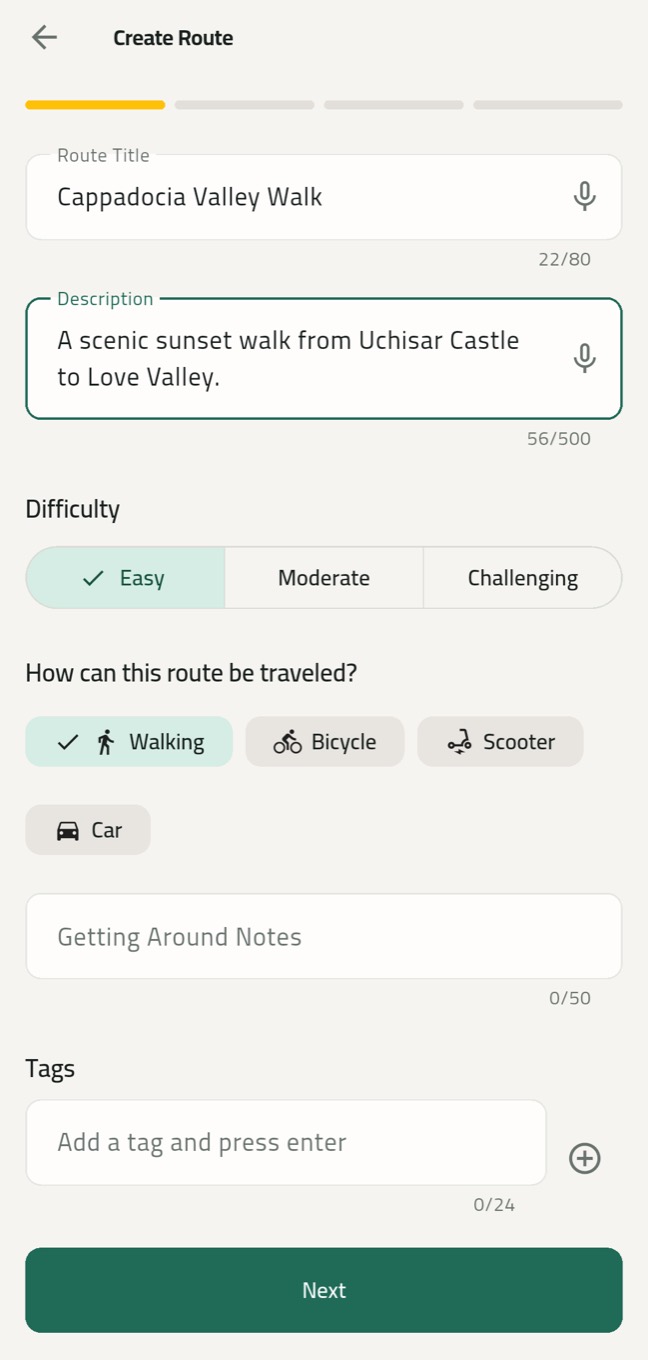
Let others experience the places you love. Build a route in four steps; Roamify works out the walking and driving times, and our team reviews and publishes it.